
Free, Pro, Enterprise.
| Plan | Deployment | Users | Pricing |
|---|---|---|---|
| Free | Self-host or Cloud | Up to 20 | Free |
| Pro | Cloud only | Unlimited | $20/user/month |
| Enterprise | Self-host or Cloud | Custom | Custom |
Pro plan is cloud-only. Self-hosted deployments require an Enterprise license. Existing Pro self-host licenses are grandfathered. Self-hosted Free instances can start a 14-day Enterprise trial.
Running more than one self-hosted Bytebase replica requires HA to be enabled in the license. If multiple replicas are detected without HA enabled, Bytebase disables backend runners for safety.
Configure Workspace License
Go to Settings > Subscription, paste your license and click Upload License.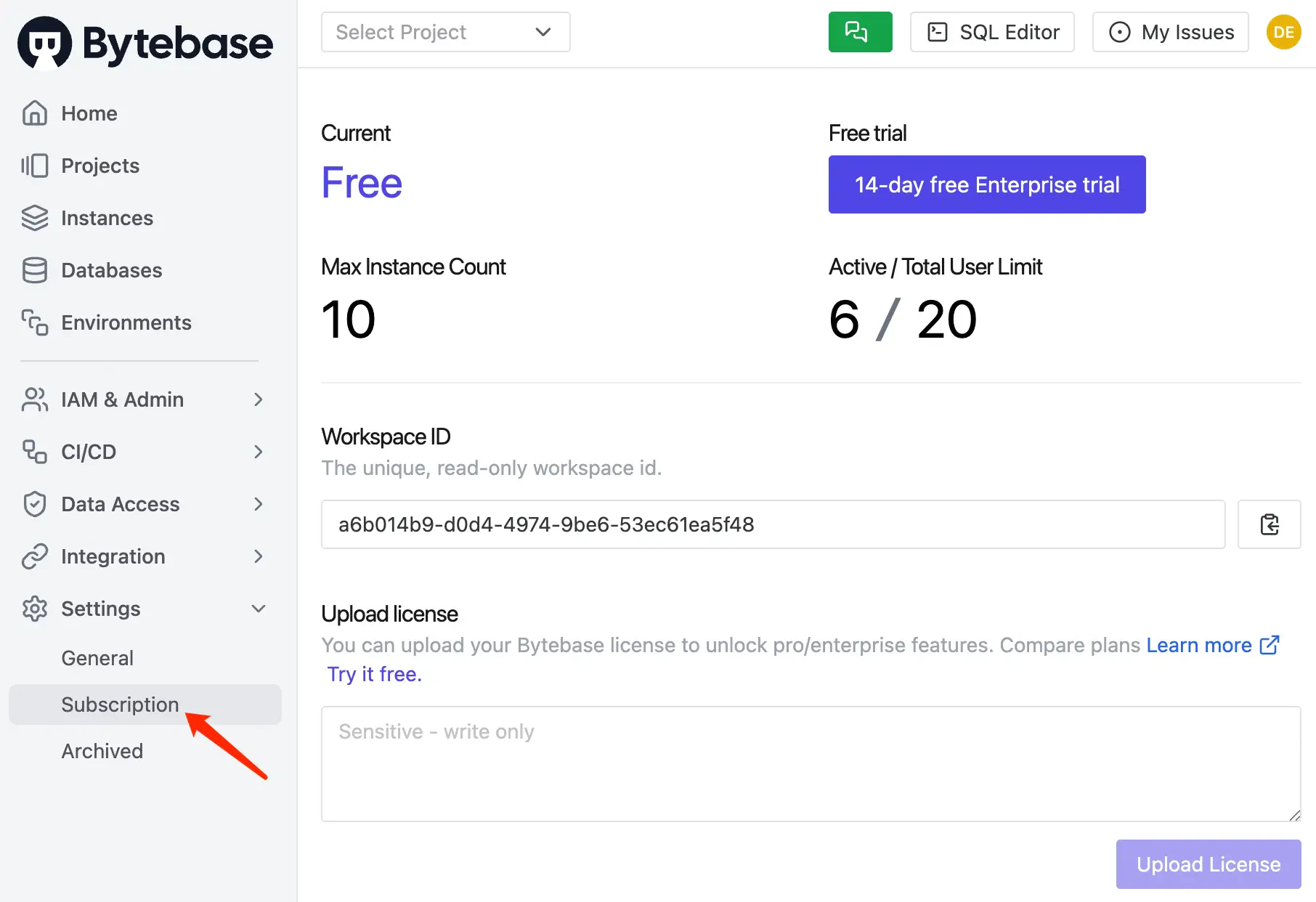
Configure Instance License
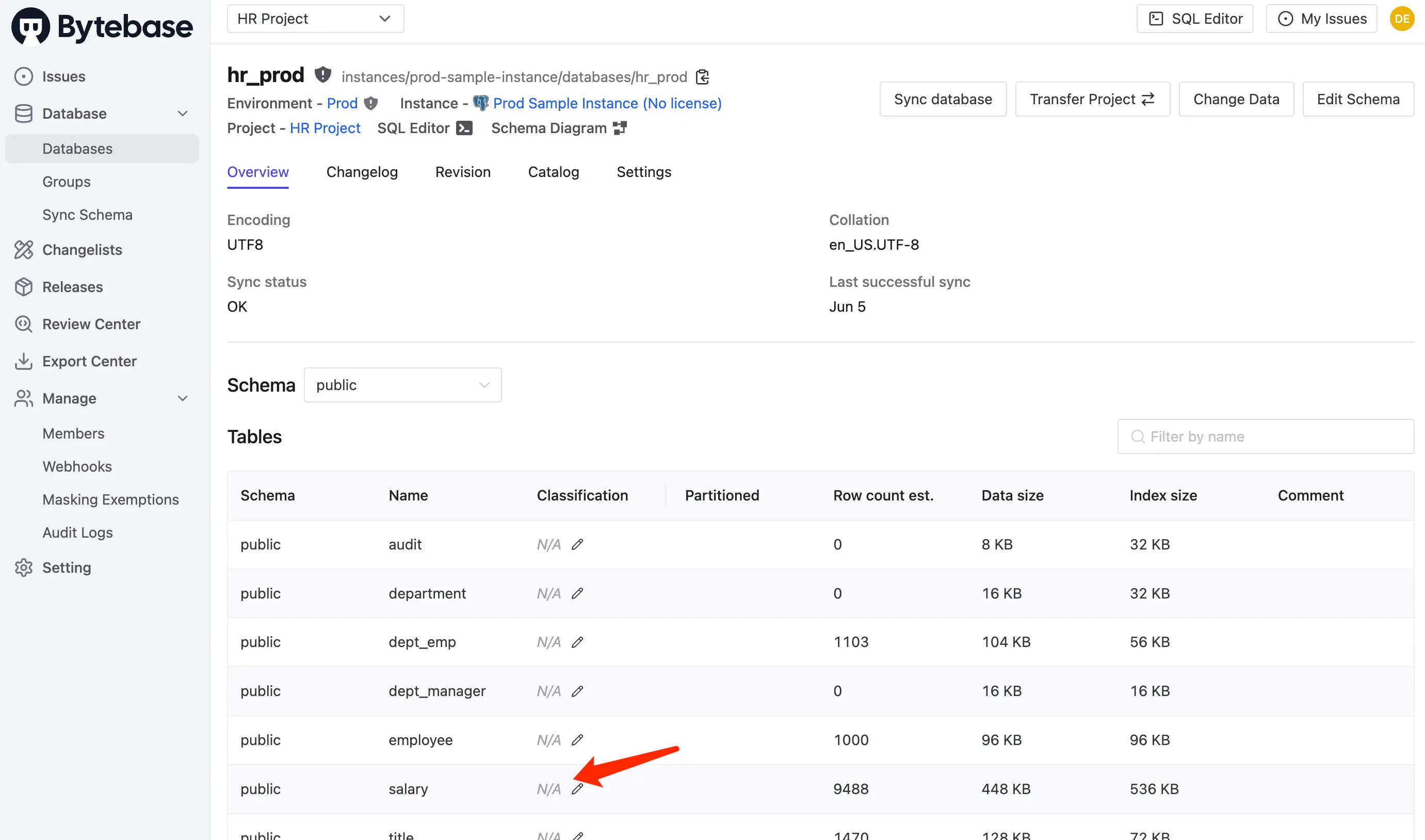
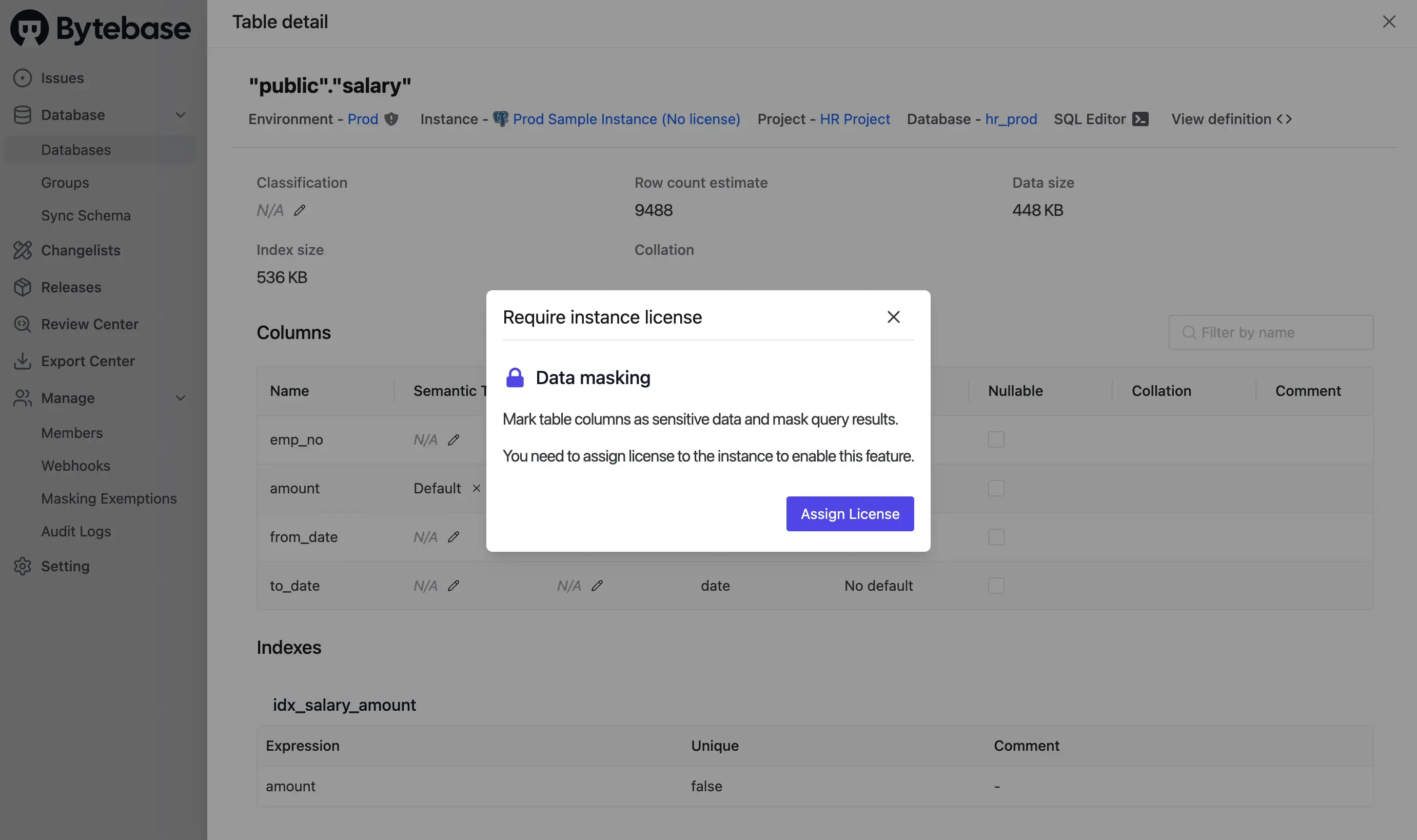
Some features (e.g. Dynamic Data Masking) require assigning license quota to individual instances. Enterprise-wide features like SSO work without per-instance assignment.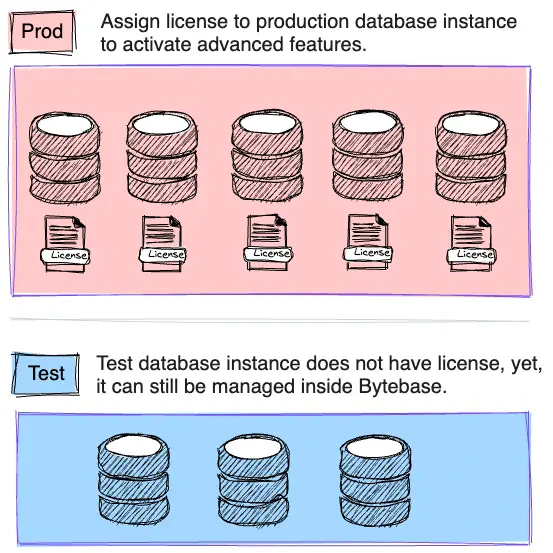
-
The instance page — assign/unassign directly on each instance.
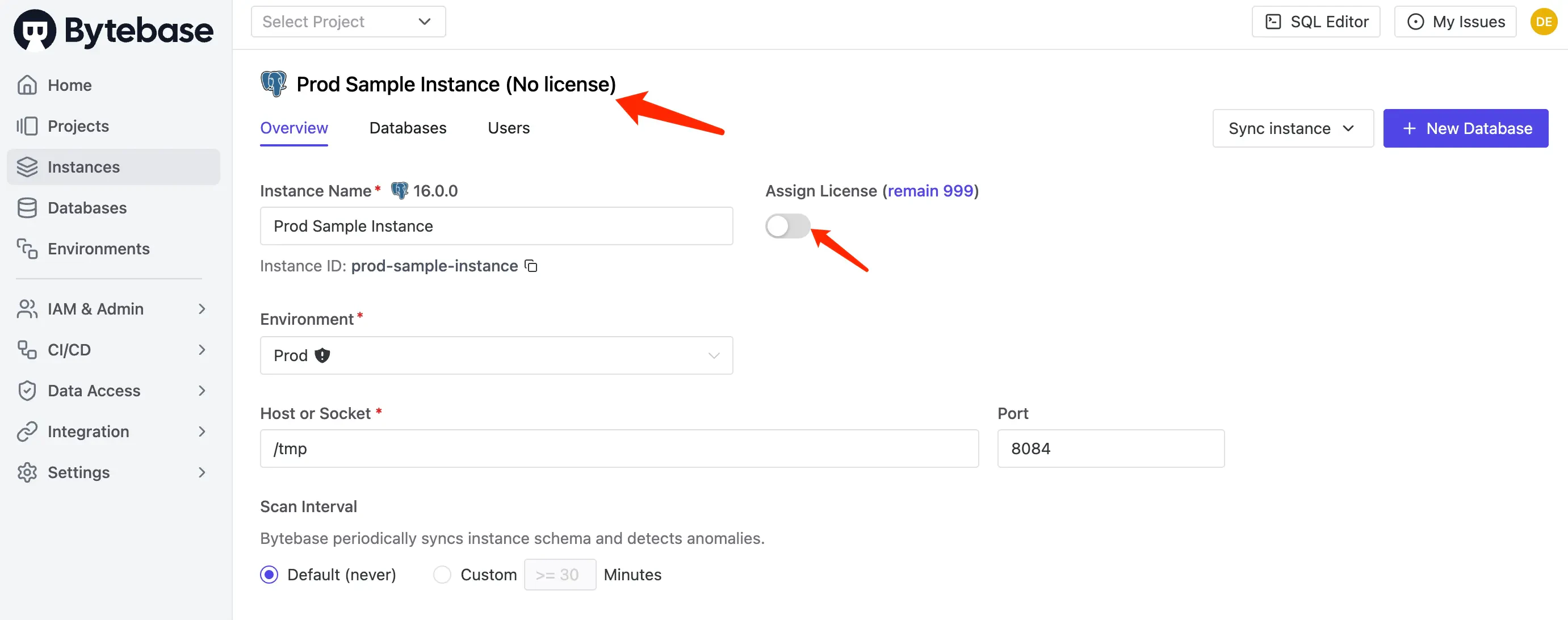
-
Settings > Subscription — click the instance area or edit icon to open the license drawer, tick the instances, and click Confirm.
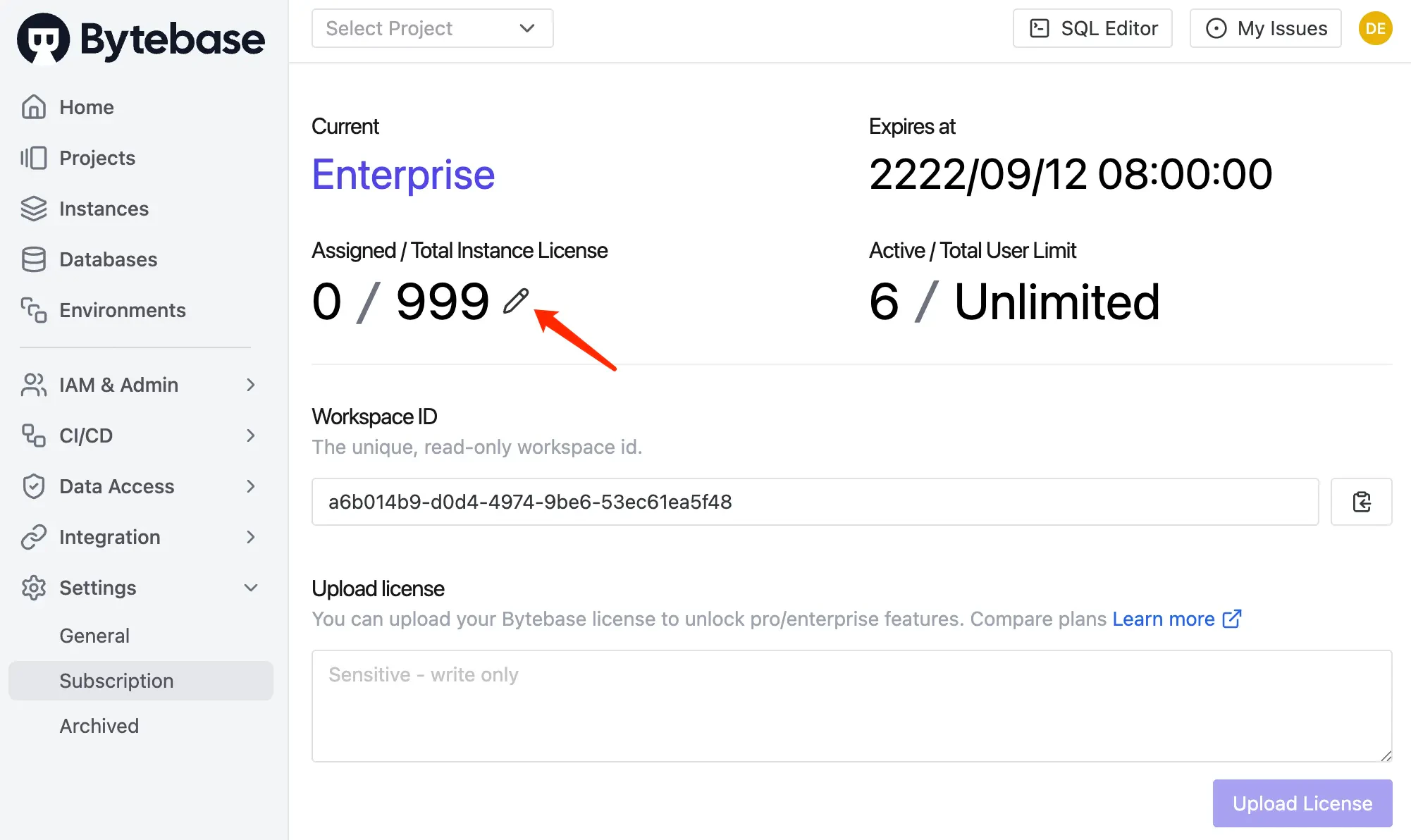
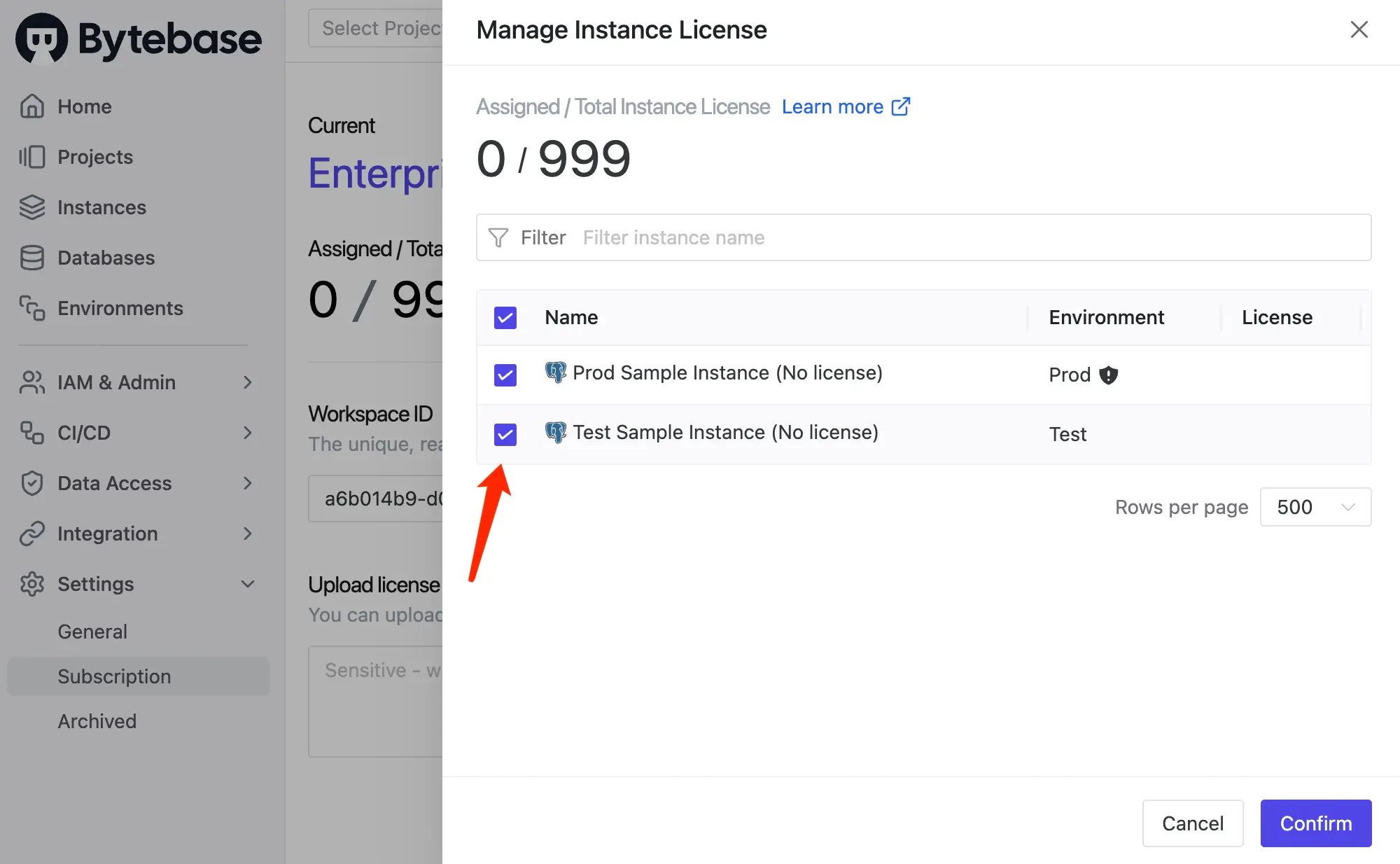
-
Gated feature prompts — when you encounter a feature requiring a license, click the Assign License button in the popup.